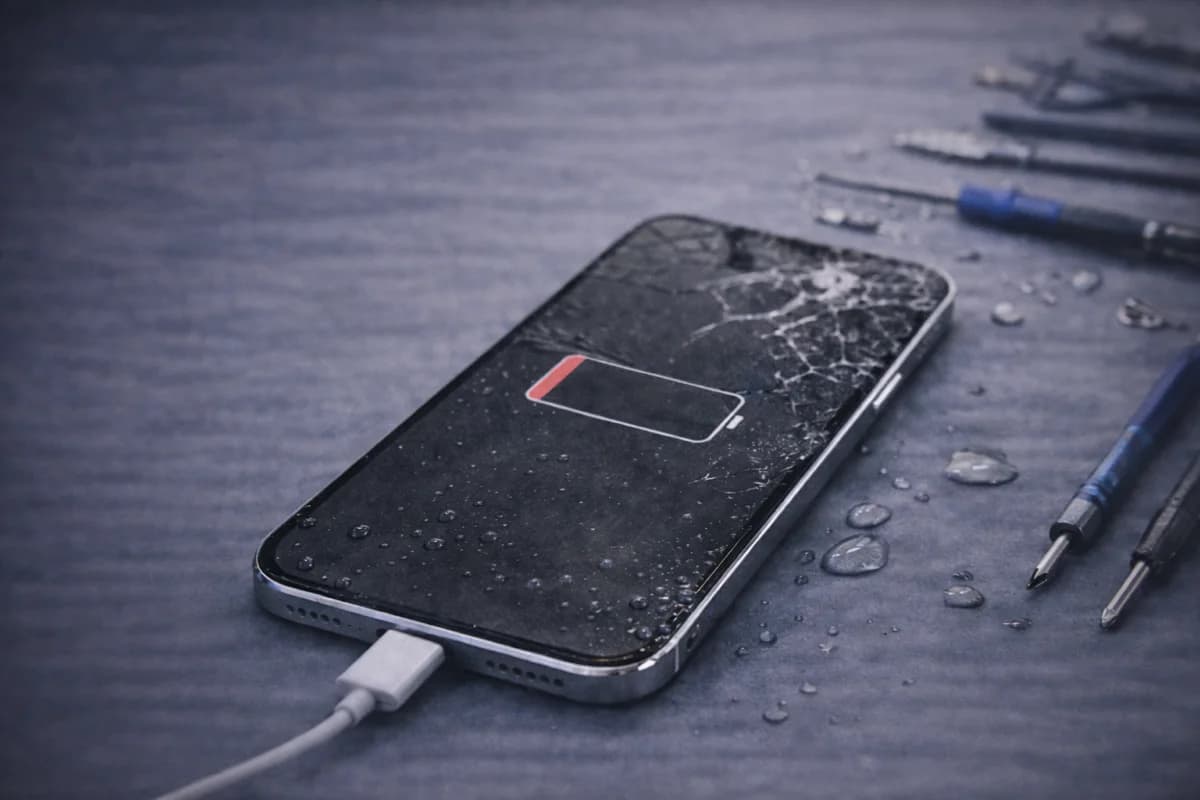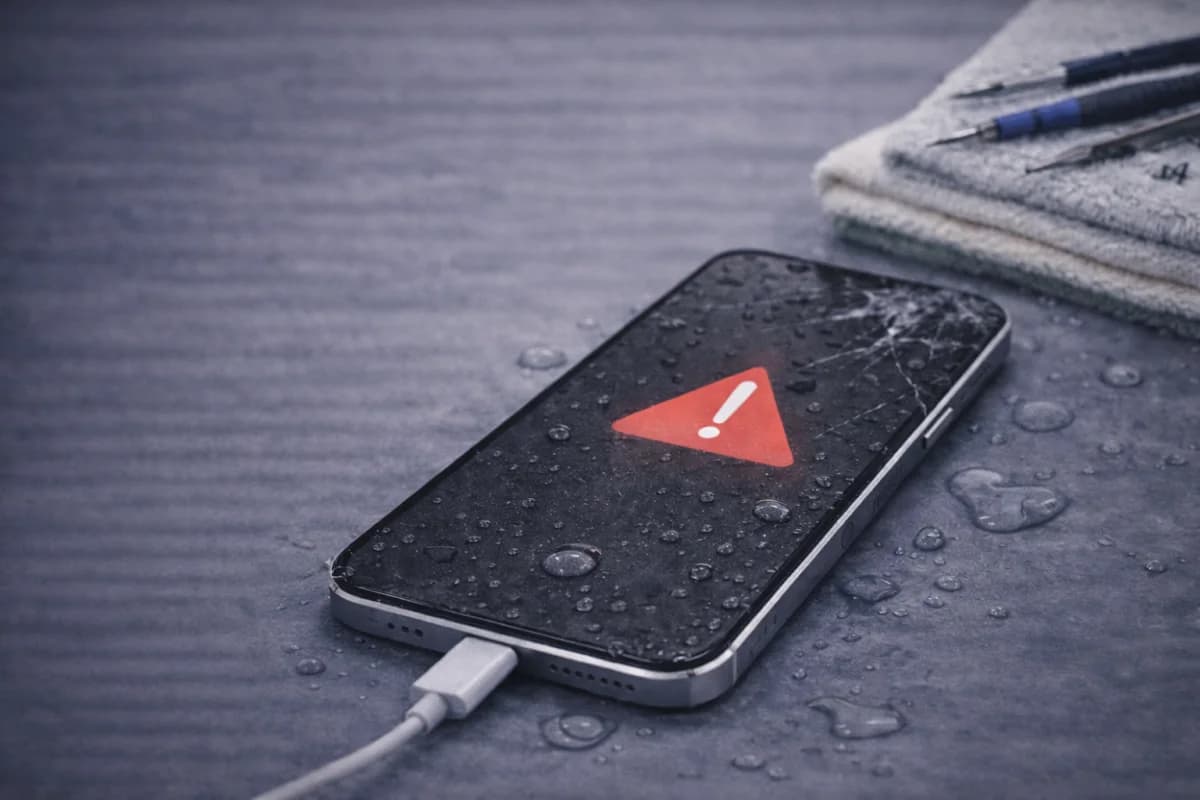
Dropping an iPhone in water (or spilling liquid on it) is stressful—but what you do in the next 5–30 minutes can make a huge difference. The goal is simple: stop electricity from running through wet components and reduce corrosion.
This guide covers what to do immediately, what to avoid, and when to bring your iPhone in for a professional inspection in Houston.
First 2 minutes: do this immediately
- Power it off. If the screen is on, shut it down as soon as possible. Don’t keep testing buttons or apps.
- Unplug accessories. Remove charging cables, headphones, external devices.
- Remove the case. Take off the case and any wet screen protector.
- If it was salt water / pool / soda: treat it as urgent. These liquids leave residue that accelerates corrosion.
What NOT to do
- Don’t plug it in “to see if it charges.” Charging + moisture is a fast path to shorts.
- Don’t use high heat (hair dryer on hot, radiator, oven). Heat can warp seals and move moisture deeper.
- Don’t shake it aggressively. Light tapping is fine, but violent shaking can spread liquid.
- Don’t rely on rice as your main plan. It’s inconsistent and can leave dust inside ports.
Step-by-step: how to dry it the right way
1) Dry the outside carefully
Use a clean microfiber cloth or paper towel. Pay attention to the speaker grills, Lightning/USB-C port, and buttons—dab, don’t jam.
2) Remove the SIM tray
Pop out the SIM tray, lightly dry the tray and the opening, and leave it out while drying.
3) Air-dry with ventilation
Place the iPhone on a dry towel in a cool, well-ventilated area. If you have a fan, point it gently at the device from a distance.
4) Silica gel is better than rice
If you have silica gel packs (the little “do not eat” packets), place the iPhone in an airtight container with them for 24–48 hours. This is more effective and cleaner than rice.
How long should you wait before turning it on?
If the phone was heavily soaked, waiting at least 24 hours is safer—sometimes 48 hours is better. Turning it on too early is one of the most common reasons a “recoverable” iPhone becomes a bigger repair.
Warning signs you should bring it in ASAP
- It won’t power on after drying
- The screen flickers, touch is glitchy, or you see lines
- It gets hot during normal use or while charging
- Audio is muffled or crackling after drying
- Battery drains fast or the phone restarts randomly
- You see “Liquid Detected” warnings (charging port moisture)
Backup your data as soon as it works
Even if your iPhone turns back on, water damage can cause issues later (battery problems, instability, random shutdowns). If it boots, back it up immediately.
Use this checklist: How to Back Up Your Data Before a Repair
Can a repair shop actually help with water damage?
Yes—especially if you come in early. A proper inspection can identify corrosion, check for shorted components, and help prevent future failures. Sometimes the phone “works” after drying, but corrosion continues under shields and causes delayed issues weeks later.
Need help in Houston?
If your iPhone got wet and you want an honest answer fast, MacNDroid can inspect it and recommend the smartest next step. If it’s salvageable, we’ll help you save it—and if it isn’t, we’ll tell you before you waste money.
iPhone RepairGet a QuoteCall (346) 808-0948
FAQ
Is my iPhone waterproof?
Most newer iPhones are water-resistant, not waterproof. Resistance decreases over time and doesn’t guarantee protection from submersion, pressure, or corrosive liquids.
Does Apple warranty cover water damage?
Liquid damage is commonly excluded from warranty coverage. That’s why acting quickly is so important.
Should I use rice to dry my iPhone?
We don’t recommend it as your main plan. Silica gel is cleaner and more effective. Rice can introduce dust into ports and doesn’t remove internal moisture reliably.
My phone turns on—am I safe now?
Not always. Water damage can cause delayed issues like battery drain, random restarts, charging problems, or corrosion over time. Back up your data immediately.
Related reading: Major iPhone Problems (and what to do)