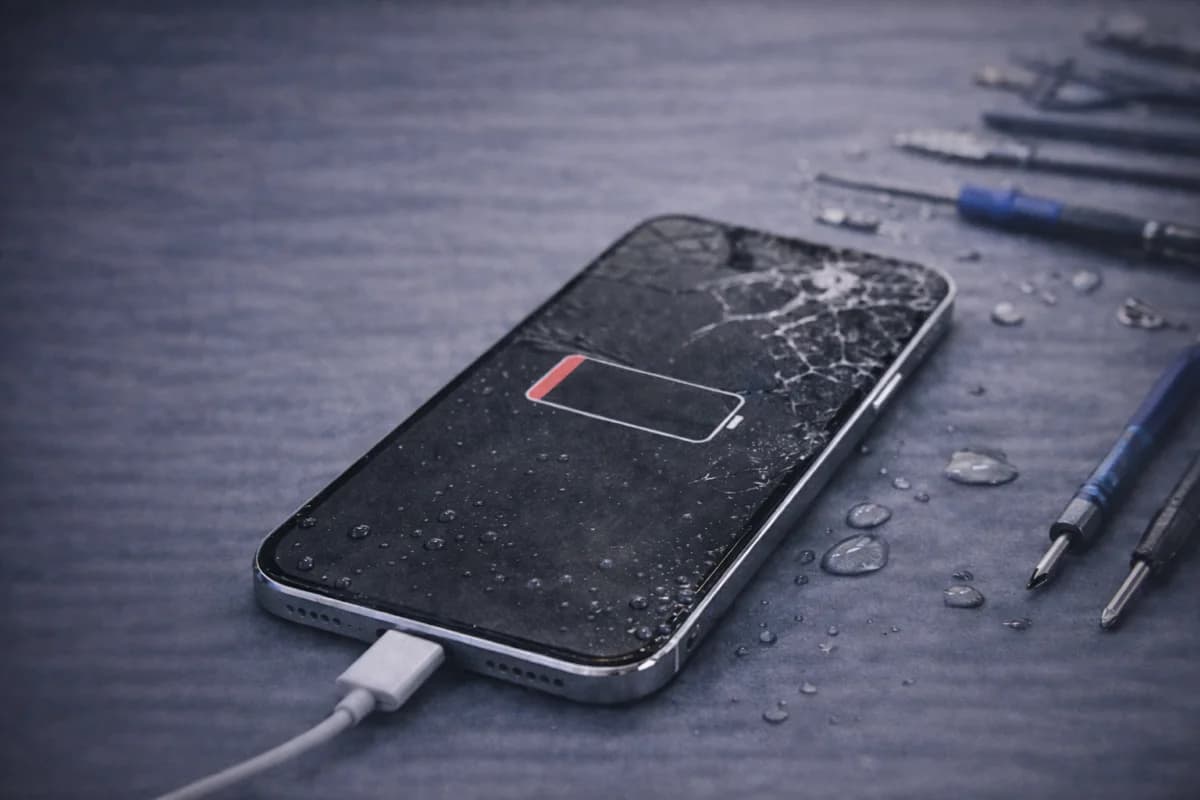
iPhones are reliable, but they’re not immune to real-world problems—drops, heat, water, battery aging, and storage issues can all cause headaches. The good news: a lot of these problems are fixable if you act early and avoid “DIY” mistakes that cause more damage.
Below are the most common iPhone problems we see, what usually causes them, what you can try at home, and when it’s smarter to bring it in for service.
1) Battery draining fast
Fast battery drain is one of the most common complaints—especially after iOS updates or when battery health is getting low. Some drain is normal (new background indexing), but it shouldn’t stay terrible for weeks.
What you can try first
- Check Settings → Battery to see which apps are draining power.
- Turn off unnecessary background behavior: Background App Refresh for heavy apps.
- If drain started after an update, give it 24–48 hours to finish indexing.
- Check Battery Health (Maximum Capacity). If it’s low, replacement often helps.
When to get help
- Battery is swollen (screen lifting or bulging)
- Phone shuts off at 20–40%
- Phone gets hot during basic use
If you suspect your battery is the cause, this is usually a straightforward fix: iPhone Repair in Houston.
2) Water / liquid damage
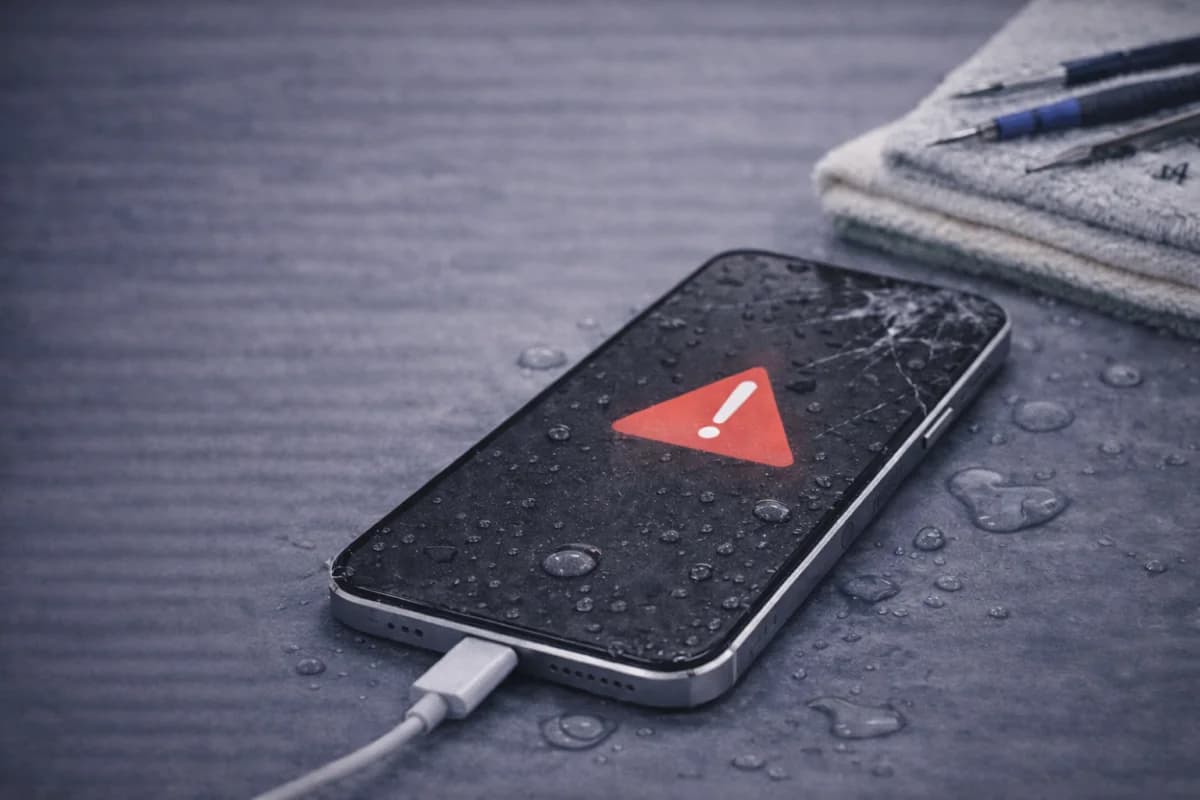
Some iPhones are water-resistant, but that’s not the same as “waterproof,” and seals can weaken over time. If liquid gets inside, corrosion can start quickly—and the longer the phone stays wet, the worse it gets.
What to do immediately
- Turn it off (don’t keep trying to power it on)
- Disconnect charging cables/accessories
- Do not use heat (hair dryer) and don’t rely on rice
- If it was salt water / pool / soda: act fast
Want a dedicated guide? Read: What to Do If Your iPhone Gets Water Damaged
Important note about warranty
Liquid damage is commonly excluded from warranties. Your best outcome usually depends on how quickly it’s inspected and cleaned.
3) Data loss (or fear of losing data)
Data loss can happen after a failed update, storage failure, accidental deletion, or when a phone won’t power on. The #1 rule: don’t panic-click—repeated restarts and random tools can make recovery harder.
What helps most
- Backups (iCloud / computer backups) before problems happen
- Stop using the phone if it’s failing to boot or freezing constantly
- Get diagnostics before attempting risky resets
Here’s the backup checklist we recommend: Importance of Data Backup Before Phone Repair
4) Cracked screen or touch issues
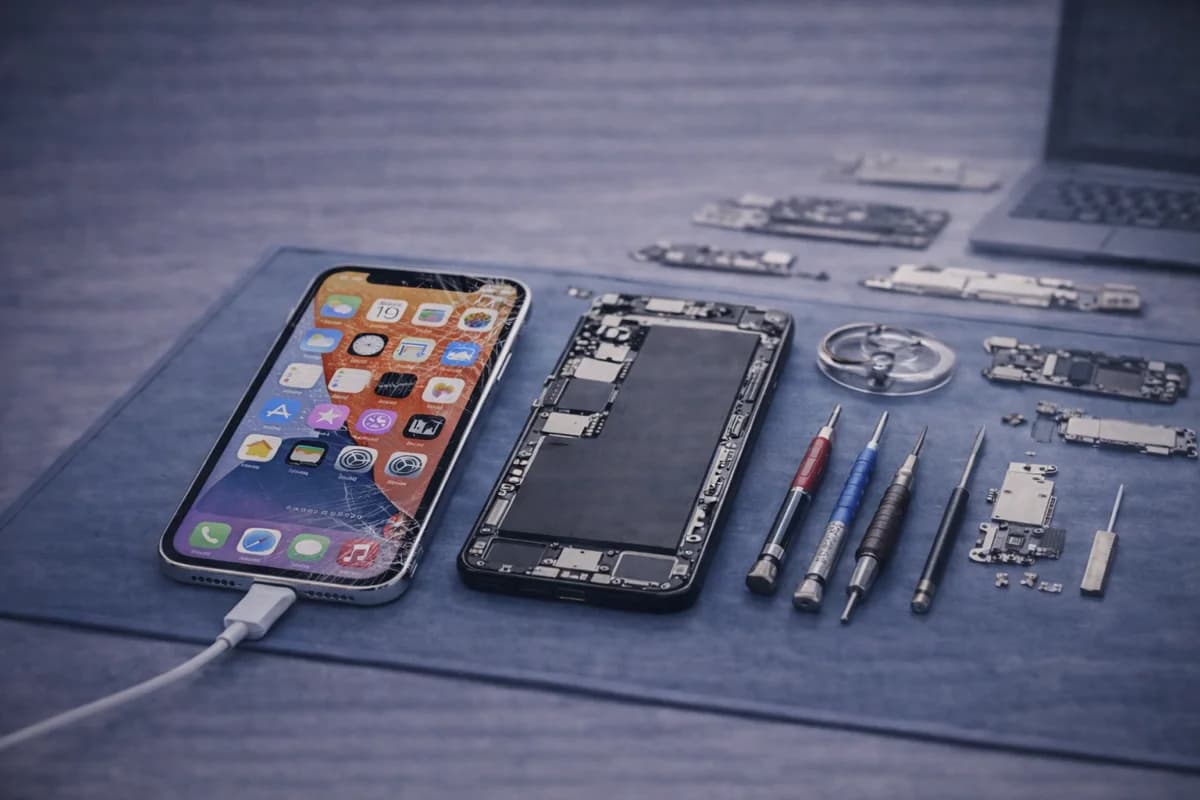
Even a “small” crack can lead to touch problems, display lines, dead spots, or glass that splinters. If your screen is cracked, repair sooner rather than later (especially if glass is lifting).
Before you get it repaired, use this checklist: iPhone Screen Repair Checklist (What to Ask Before You Go)
5) Charging problems
If your iPhone only charges at an angle, charges slowly, or doesn’t charge at all, the issue can be: debris in the port, cable/brick, battery health, or an actual port repair needed.
Quick checks
- Try a different Apple-certified cable and power adapter
- Inspect port for lint buildup
- Test wireless charging (if supported)
When you should stop DIY and get diagnostics
- Battery swelling
- Liquid exposure
- Phone won’t boot / stuck on Apple logo
- Screen glass splintering or touch dead spots
- Overheating during basic tasks
Need iPhone repair in Houston?
If you’re dealing with battery issues, water damage, charging problems, or a cracked screen, MacNDroid can diagnose the problem and give you a clear path forward.
iPhone RepairGet a PriceCall (346) 808-0948
FAQ
Is a swollen iPhone battery dangerous?
It can be. A swollen battery can damage the screen and internal components, and it can be a safety risk. Stop using the device and get it checked.
Is liquid damage covered under warranty?
Usually not. Many warranties exclude liquid exposure. The best outcome often depends on speed—getting the device inspected quickly can reduce corrosion damage.
How can I protect my screen from breaking again?
Use a quality tempered-glass protector and a protective case with raised edges. Also avoid pockets with keys or sharp objects.